Datadog
Notebooks
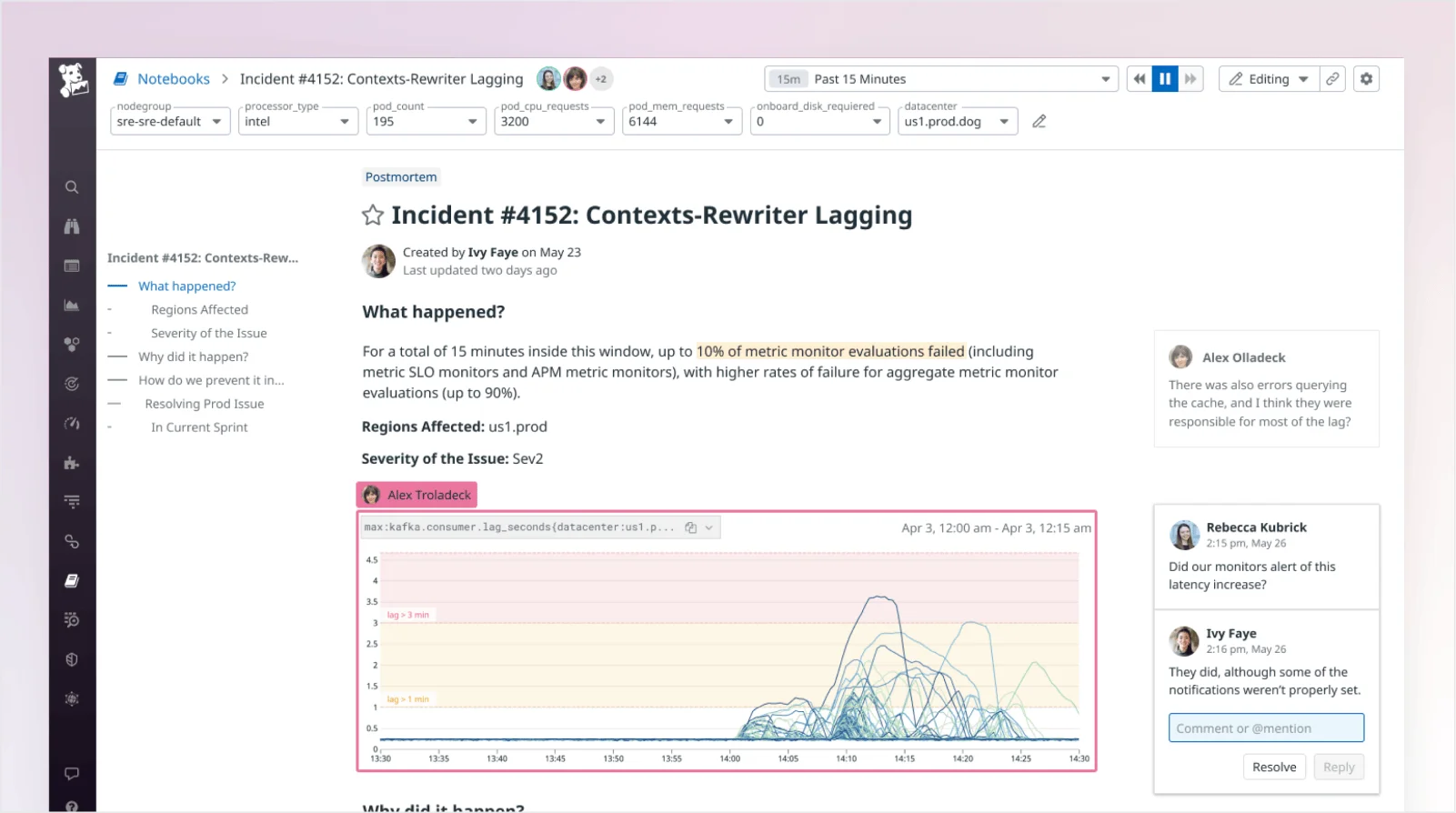
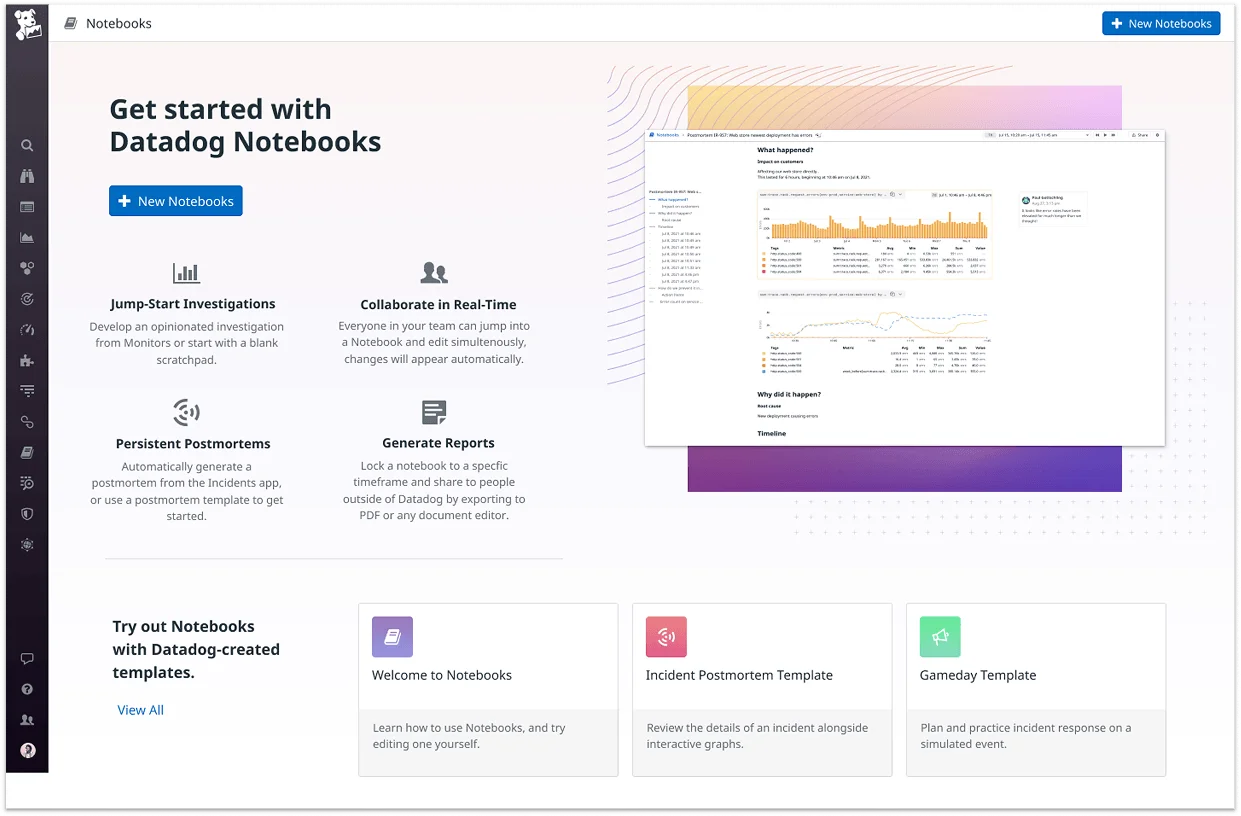
During my time in the Notebooks team, we reimagined the product with a more modern, collaborative UI. We introduced core features that made it the go-to tool for live documentation, incident analysis, and postmortems for hundreds of organizations. I also designed and implemented components adopted across the whole platform.
Engineering teams often rely on screenshots, Slack threads, and scattered documents to investigate incidents and share findings. These workflows make it hard to combine live data with human context, and nearly impossible to reconstruct decisions after the fact. Even within monitoring platforms, there's often no clear place to collaborate, document investigations, or hand off work across teams. As a result, valuable insights get lost, and incident timelines stretch longer than they should.
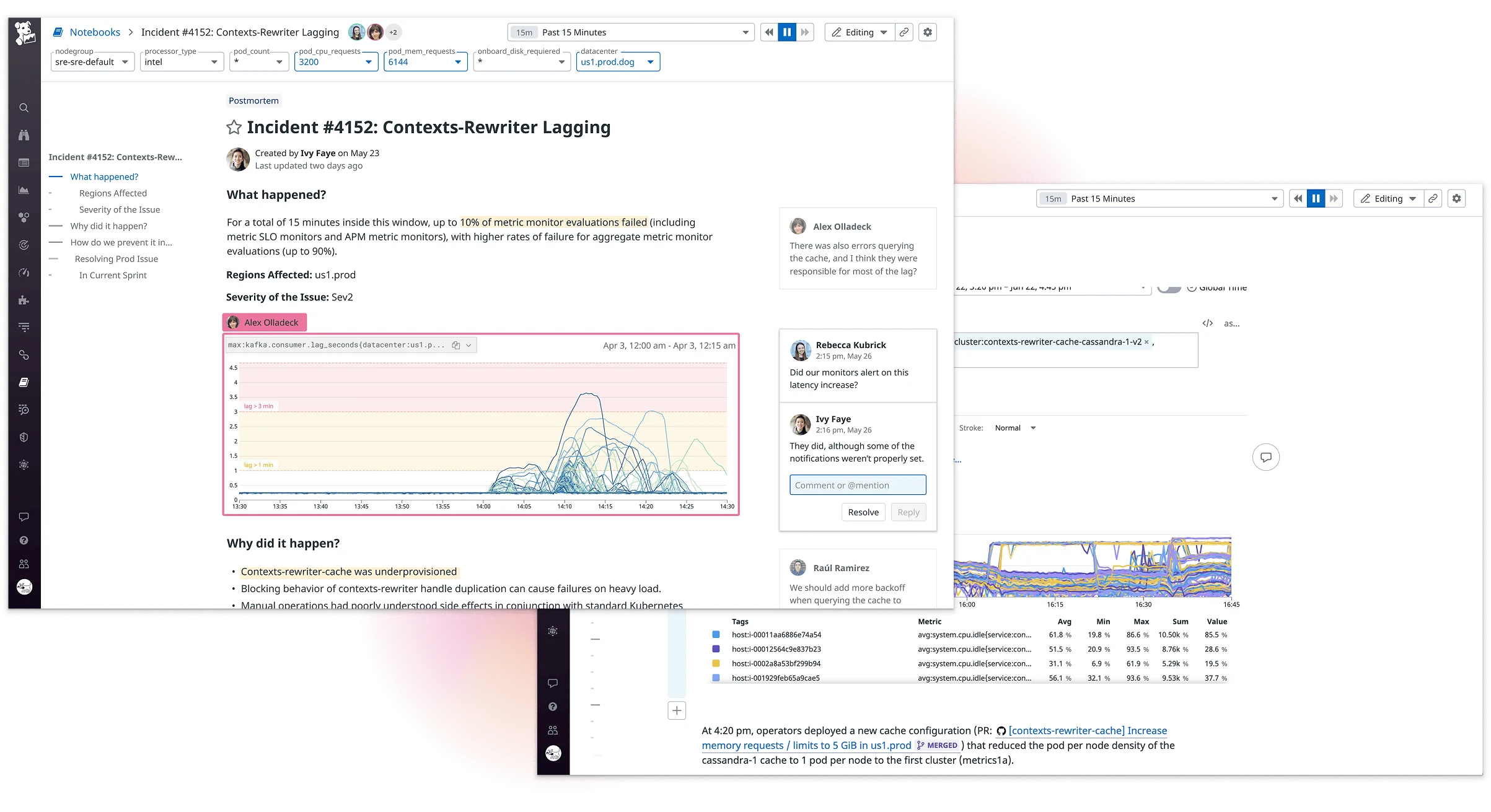
To support live investigations and postmortems, Notebooks needed to move beyond static editing. We introduced real-time multiplayer and commenting to keep teams aligned in one place. A cleaner interface, plus features like snapshotting, drag-and-drop cells, and time controls, made it easier to write, analyze, and collaborate without leaving the tool.
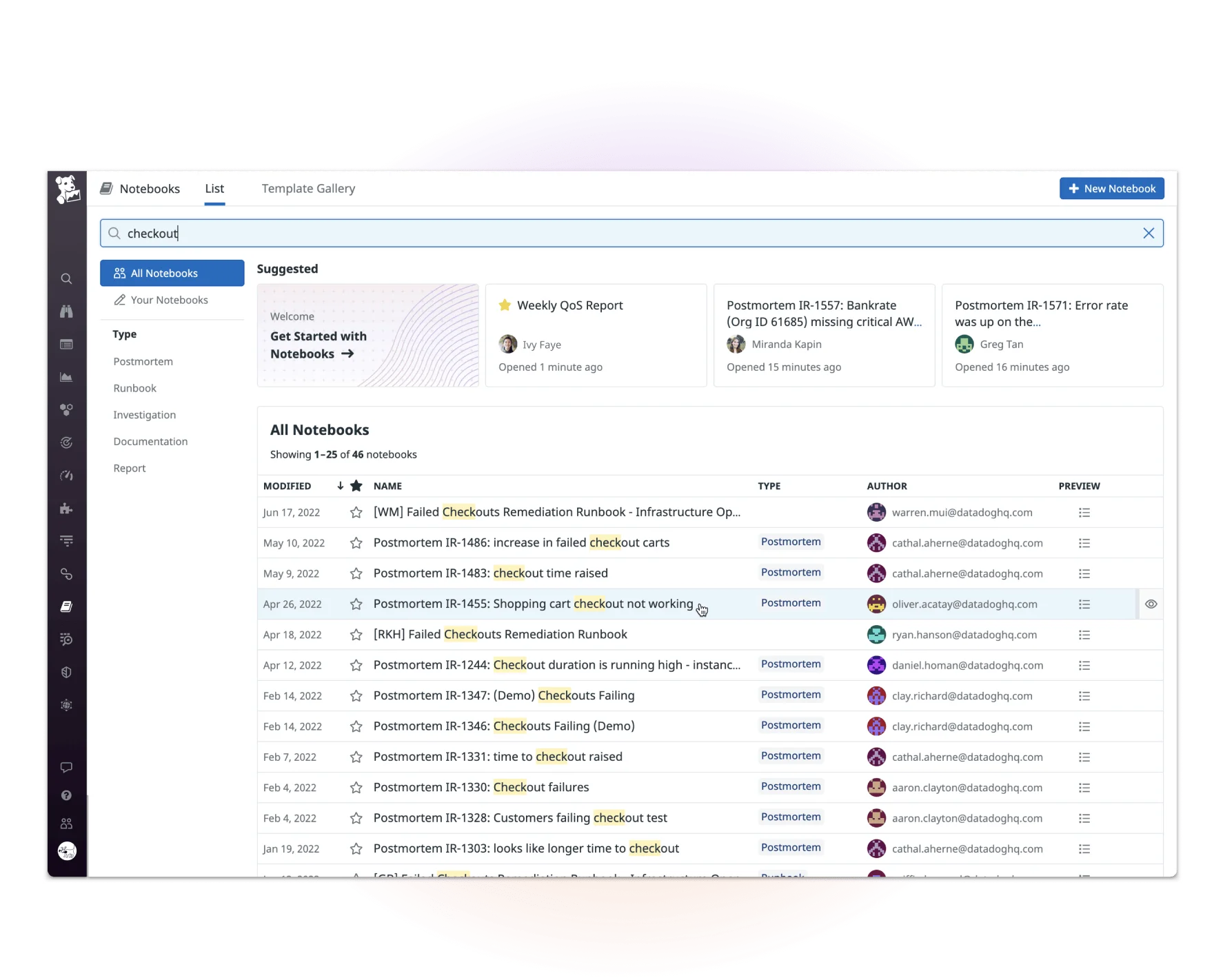
The redesign of Notebooks turned it into a core workflow tool across incident response, infrastructure analysis, and collaborative postmortems. During the span of these improvements, the number of daily organizations using the tool more than doubled. In larger orgs, features like real-time editing, searchability, and structured documentation made the tool far more usable at scale. Several design patterns introduced through this work were later adopted across the platform, contributing to a more consistent and modernized product experience.